Reference
MCP & AI sessions
Last updated: November 2026
You prompt, Claude Code builds, Døgn counts along. That’s the one case where Døgn tracks time without your click, and it stays off until you switch it on. Then you tell Døgn once which folder belongs to which project. Through MCP, AI assistants can also reach your kveik data if you want them to.
Set up AI sessions
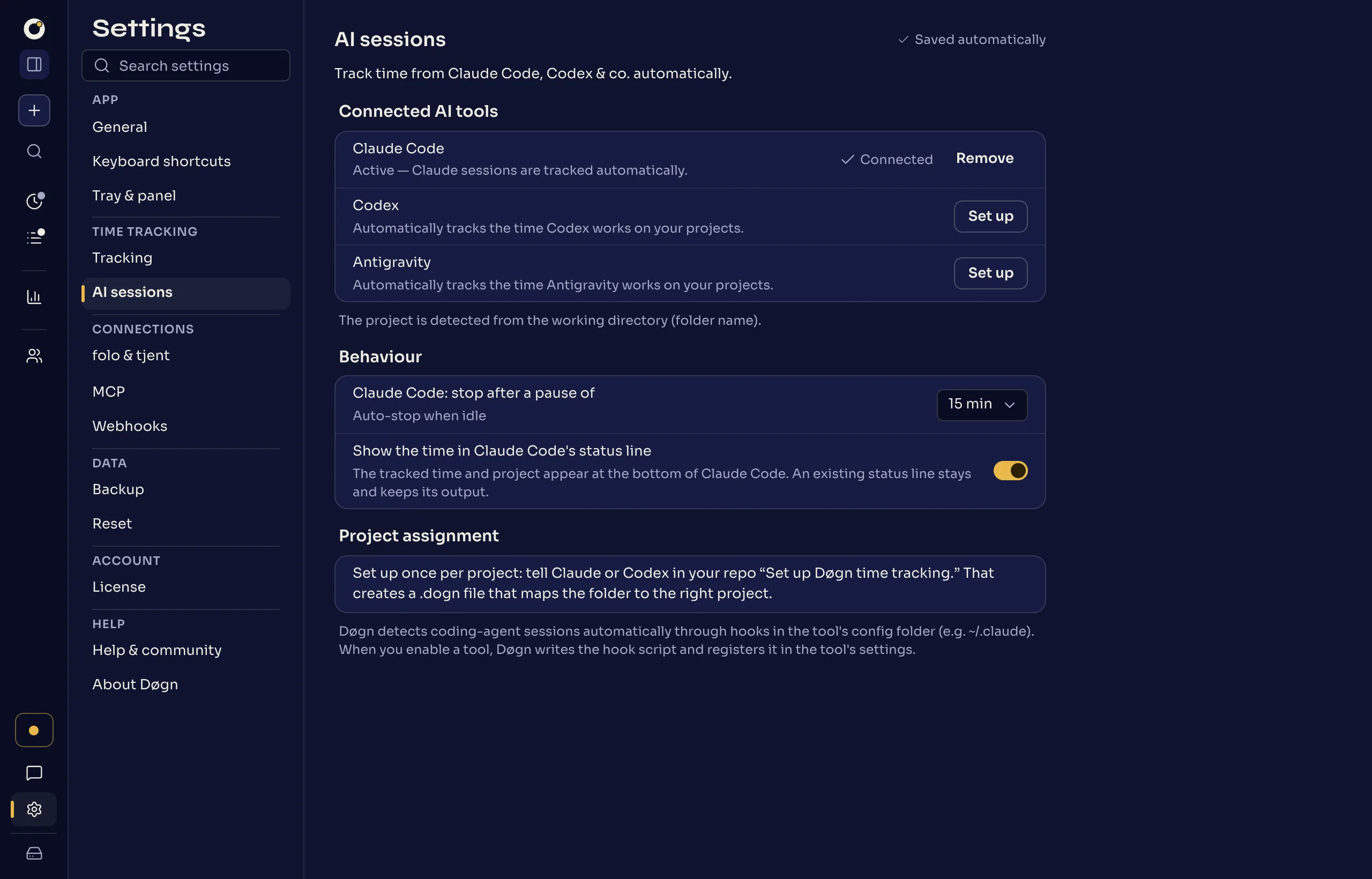
Settings › AI sessions lists “Claude Code”, “Codex” and “Antigravity”. All three stay off until you switch them on. “Set up” writes a hook script into the tool’s config folder, for example ~/.claude, and registers it in the tool’s settings. Your existing settings stay as they are. “Remove” takes it out again.
Under “Behaviour” you set per tool after what pause a session ends. For Claude Code, Døgn also shows the time and project in the status line. A status line you already have keeps running. If a tool stops reporting, Døgn shows a hint and you set it up again with one click.
Working in an AI editor instead? See time tracking in VS Code, Windsurf and Zed.
Map a folder to a project
So a session lands with the right client, you set this up once per project. Tell Claude or Codex in your repo: “Set up Døgn time tracking.” That creates a .dogn file that maps the folder to the project. Or go to “Track automatically” on the project page. Without a mapping, Døgn detects the project from the working folder’s name.
When a session starts, the agent learns which project is running in Døgn.
At the end of a session
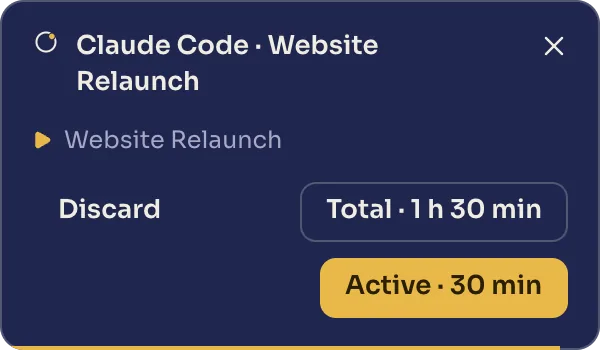
While a session runs, you see a timer in Døgn. At the end Døgn asks: the whole session, or only the time you were there? “Total” books everything, “Active” only your active time, “Discard” deletes the entry. If you close the question, Døgn books the whole session. Only the button discards it.
With Claude Code and Codex, the tool writes the entry’s description itself. Døgn passes shortened prompts from the session to its command line, which turns them into a few words. The tool’s own rules apply to that request. Antigravity gets no such description, the folder name stays.
The MCP server
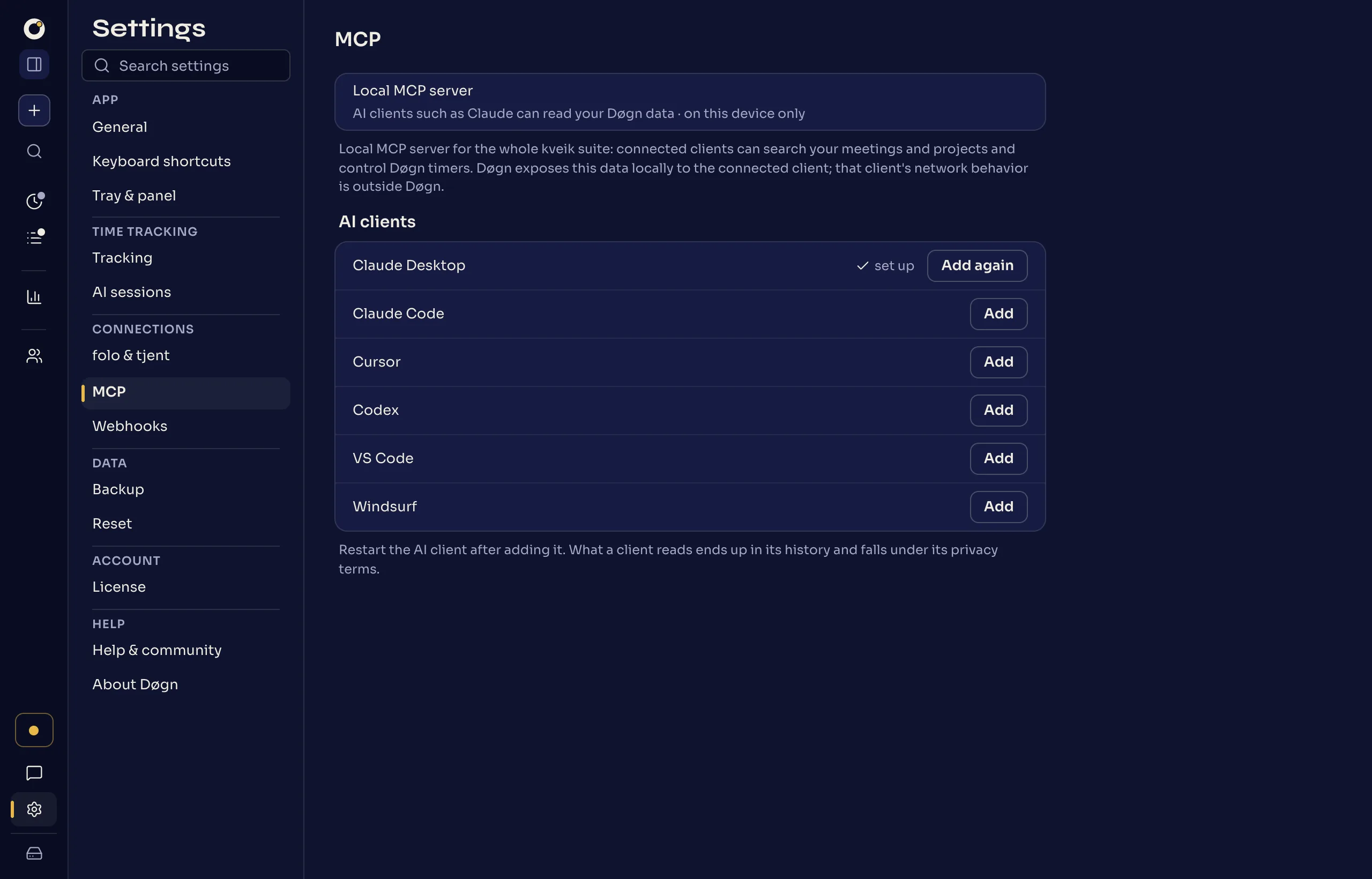
Settings › MCP holds a local MCP server for the whole kveik suite. Connected clients can search your meetings and projects and control Døgn timers. “Add” registers it with Claude Desktop, Claude Code, Cursor, Codex, VS Code or Windsurf. Then restart the client once.
This doesn’t necessarily stay local. Døgn only serves the data on your device. But what a client reads ends up in its history, and its own privacy rules apply.