Reference
Webhooks
Last updated: November 2026
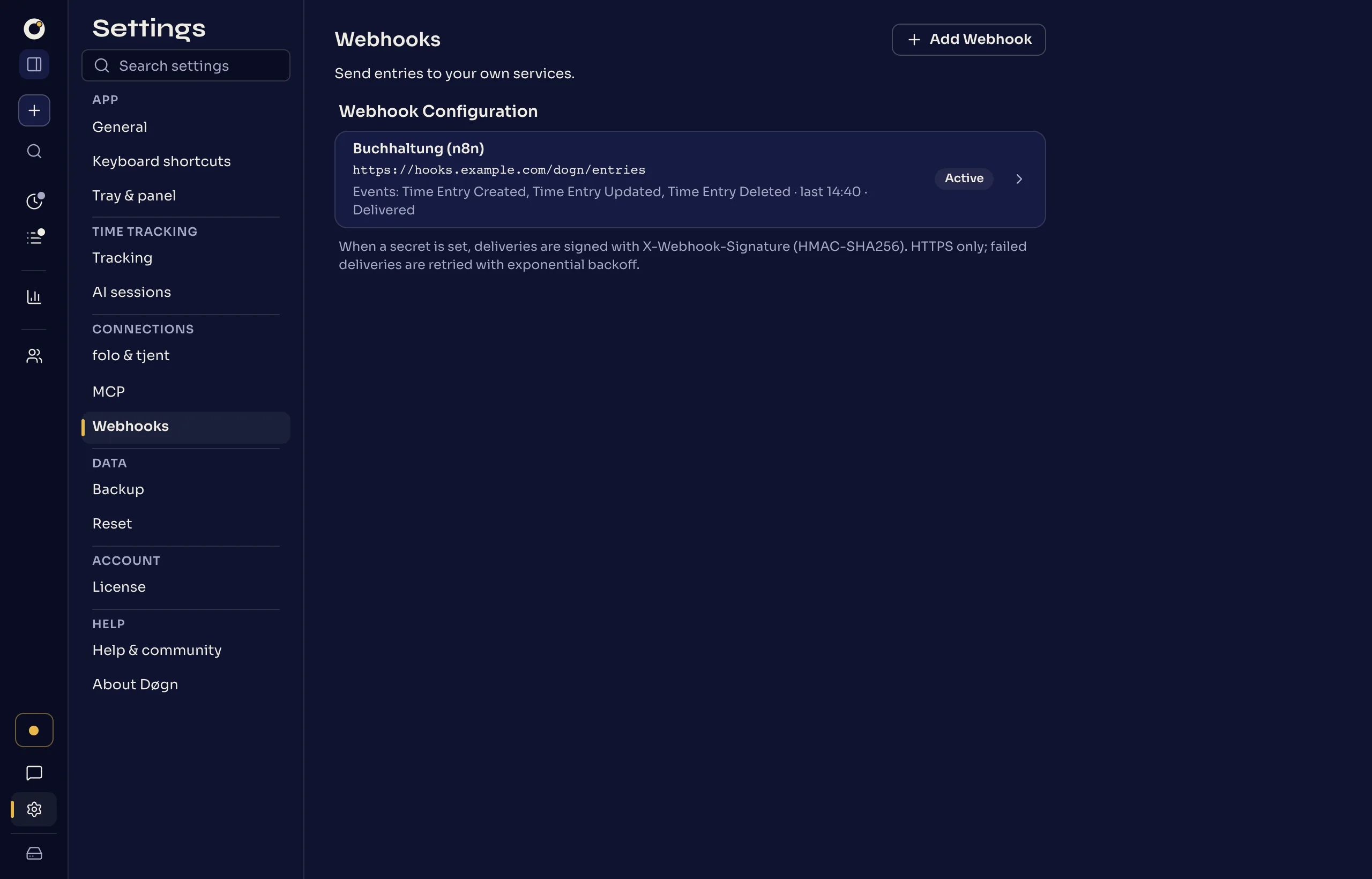
Webhooks send events from Døgn to your own services, such as your automation in n8n. They’re optional, and nothing goes out until you set one up. You’ll find them under Settings › Webhooks.
Add a webhook
“Add Webhook” opens the form:
- “Name”. So you recognise it.
- “Address”. The recipient,
https://only. - “Events”. At least one, see below.
- “Secret”. Optional, signs every delivery.
- “Retries” and “Timeout”. How persistently Døgn delivers.
“Active” arms it. “Send sample” sends a test to the address. The “Delivery log” shows the latest deliveries with content and response, on this device only, and can send them again.
Events
You choose per webhook:
- Time entries:
time_entry_created,time_entry_updated,time_entry_deleted,time_entry_started,time_entry_stopped - Projects:
project_created,project_updated - Clients:
client_created,client_updated
Signature and delivery
HTTPS only. With a secret set, Døgn signs every delivery with X-Webhook-Signature (HMAC-SHA256). That’s how the recipient checks it’s genuine. Failed deliveries are retried with growing intervals (exponential backoff).